Create your first post
Write it once, tweak it for each network, check the preview and send it on its way.
The quick way
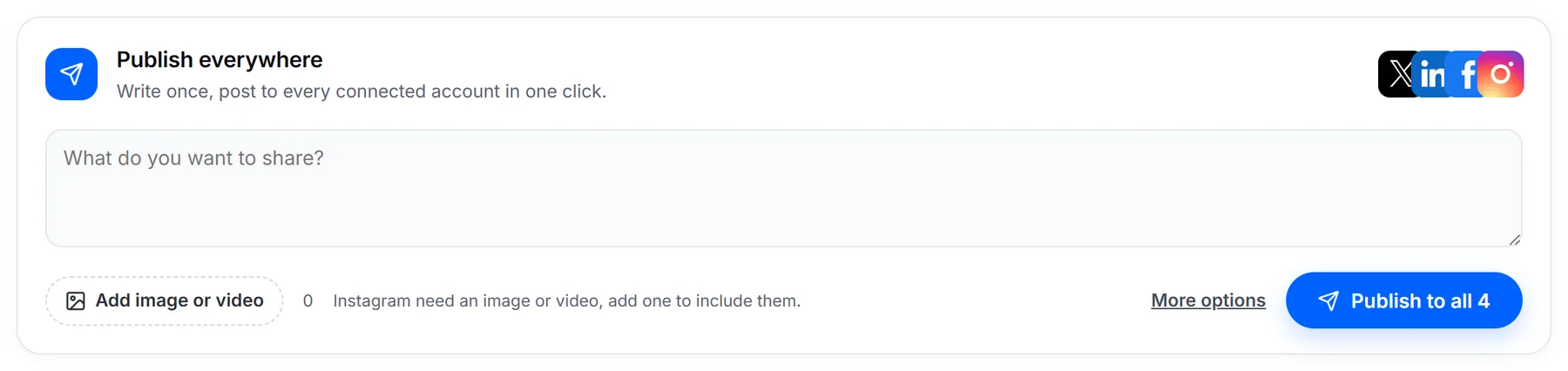
For a simple update, you don't even need to leave the dashboard. Type into Publish everywhere, add a picture if you like, and click Publish to all. It goes to every account you've connected.
Write your post
For anything you want to fine-tune, click Publish and then New Post.
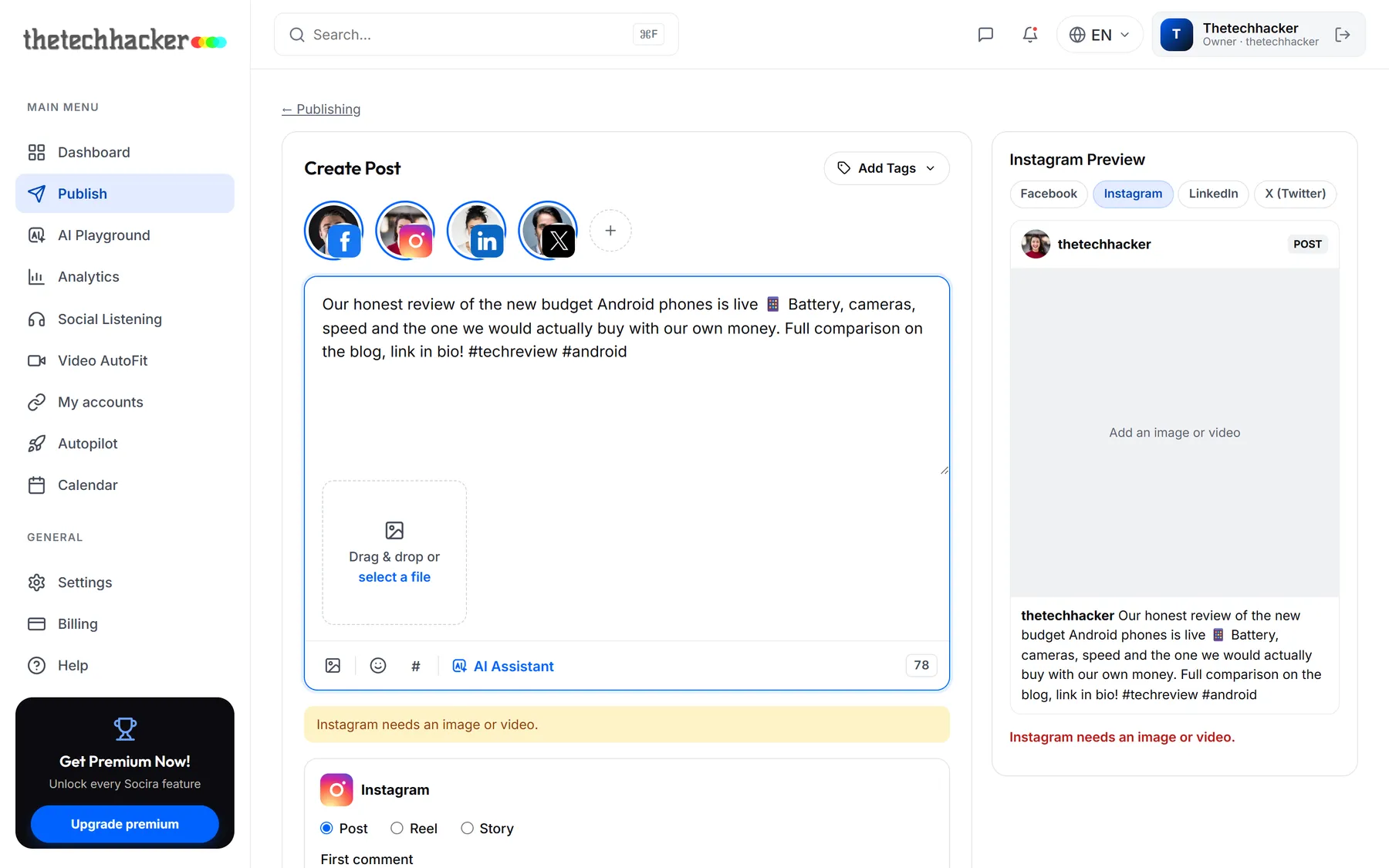
- Choose your channelsThe round pictures at the top are your accounts. Click one to include or leave it out. The ones with a blue ring are in.
- WriteType your post. The smiley button adds emoji and # starts a hashtag. The small number in the corner is how many characters you have left on the strictest network you picked, so 280 if X is included.
- Add pictures or videoDrag files onto the box or click select a file. You can add up to 10.
Tweak it for each network
Every network you pick gets its own small panel of options, so you can make the most of each one without writing a separate post.
- Instagram and Facebook: choose Post, Reel or Story, and add a first comment (handy for keeping hashtags out of your caption).
- YouTube: give your video a Title, pick a Category and Visibility, and decide whether to Notify subscribers.
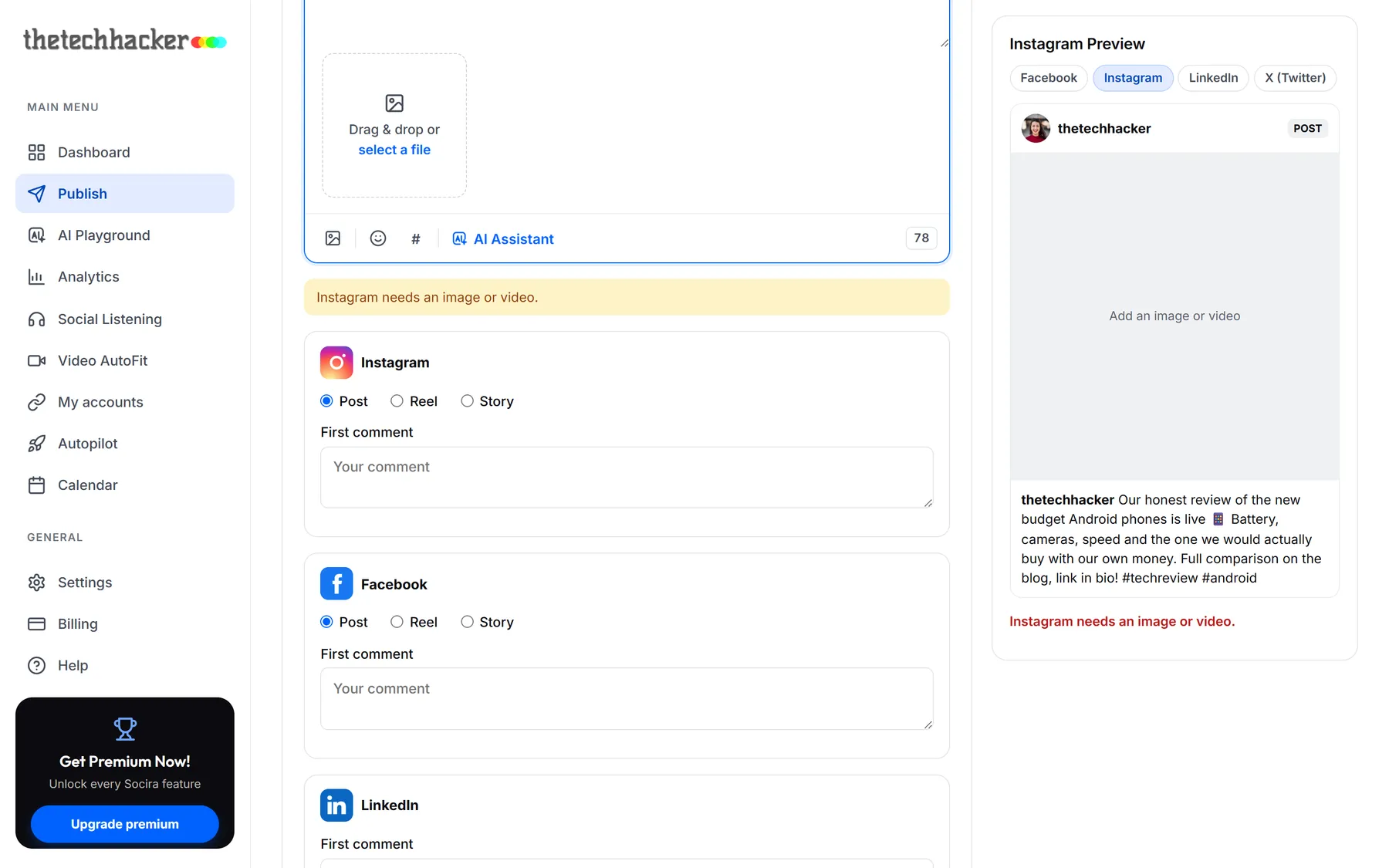
If something doesn't fit, like a Reel without a video, Socira tells you in yellow before you publish, not after.
Send it
When you're happy, click Add to Queue. Socira puts the post in your next free posting time. Open the little arrow next to it for other options:
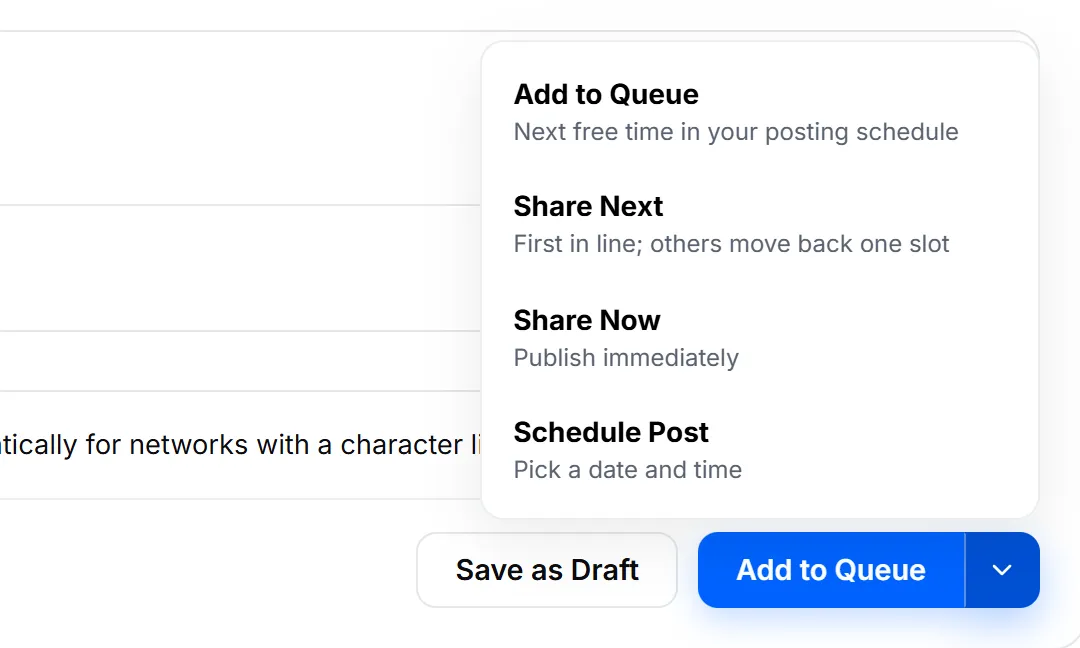
- Share Next puts it first in line and moves the rest back a slot.
- Share Now publishes straight away.
- Schedule Post lets you pick an exact date and time.
- Save as Draft keeps it safe until you're ready.
Last updated 26 September 2026