Plan with the calendar
See your week or month at a glance, spot the gaps, and drag posts to new times.
Your week at a glance
Click Calendar in the sidebar. The week view shows every hour, with your posts sitting in their time slots and your queue times marked with a dashed outline.
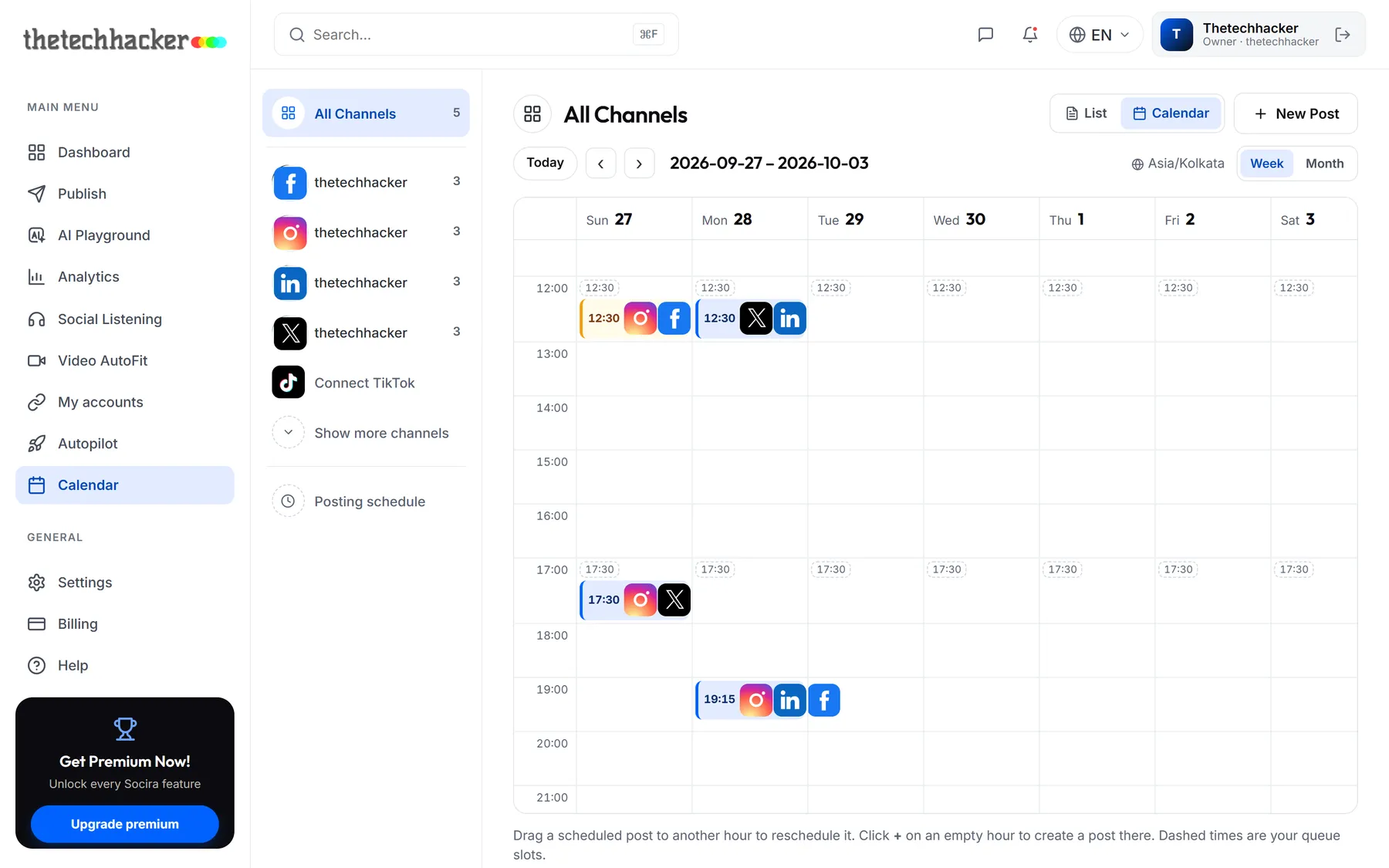
- Blue posts are scheduled.
- Green ones have been published.
- Amber ones are waiting for approval.
- Red ones need your attention.
Move a post
Plans change. To move a post, drag it to another hour or day and let go. It keeps its minutes, so 12:30 on Sunday becomes 17:30 when dropped on the 17:00 row.
Good to knowYou can't drop a post into the past. The shaded hours are gone.
Create a post from the calendar
Spotted a gap? Hover over the empty hour and click the + that appears. Create Post opens with that date and time already filled in.
The month view
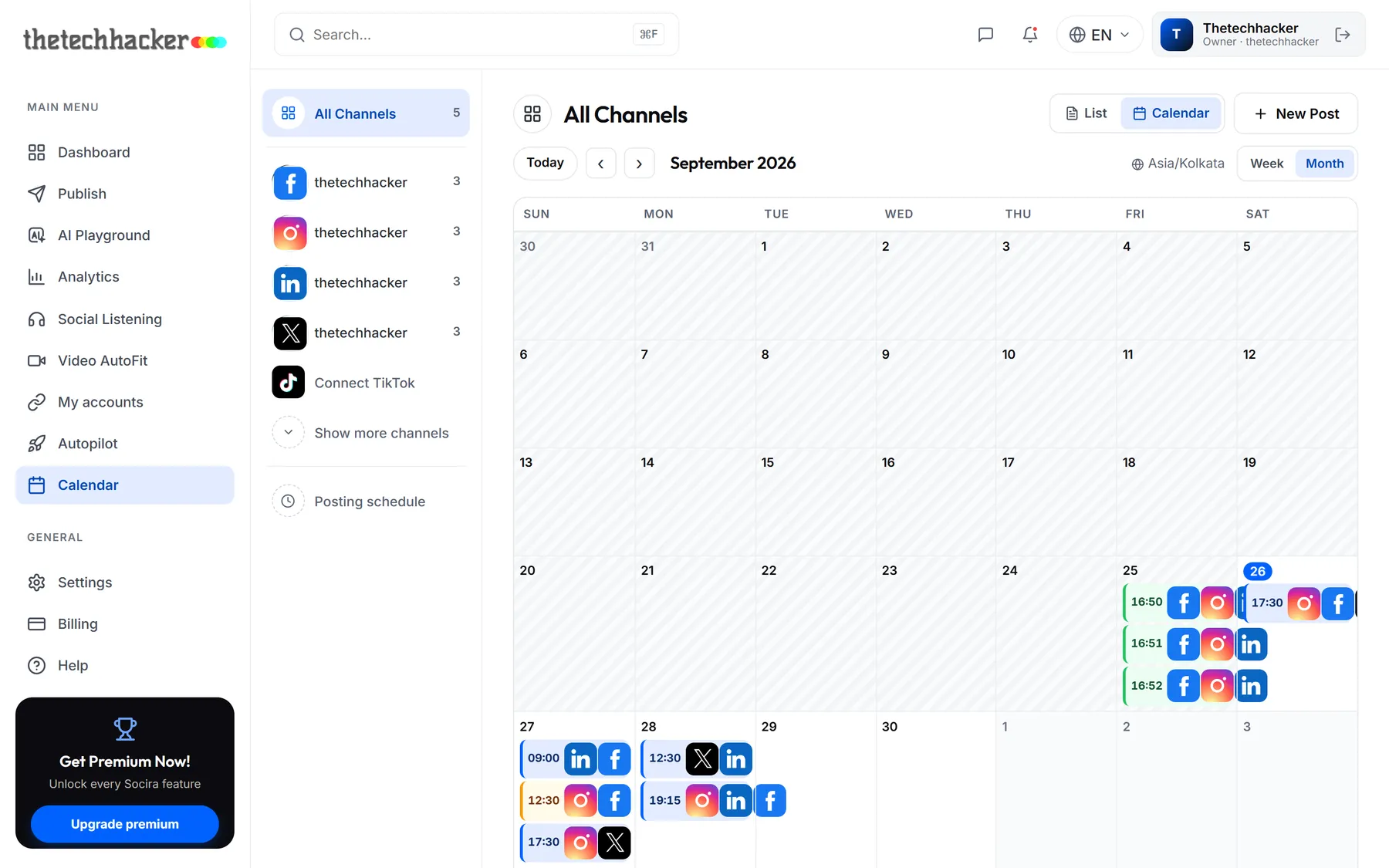
Switch to Month for the bigger picture, handy for planning campaigns and holidays. Each day shows up to three posts; click + more to jump to that week.
Was this helpful?
Last updated 26 September 2026