Social listening & AI insights
Understand what people are saying about you, and what to do about it.
What you'll see
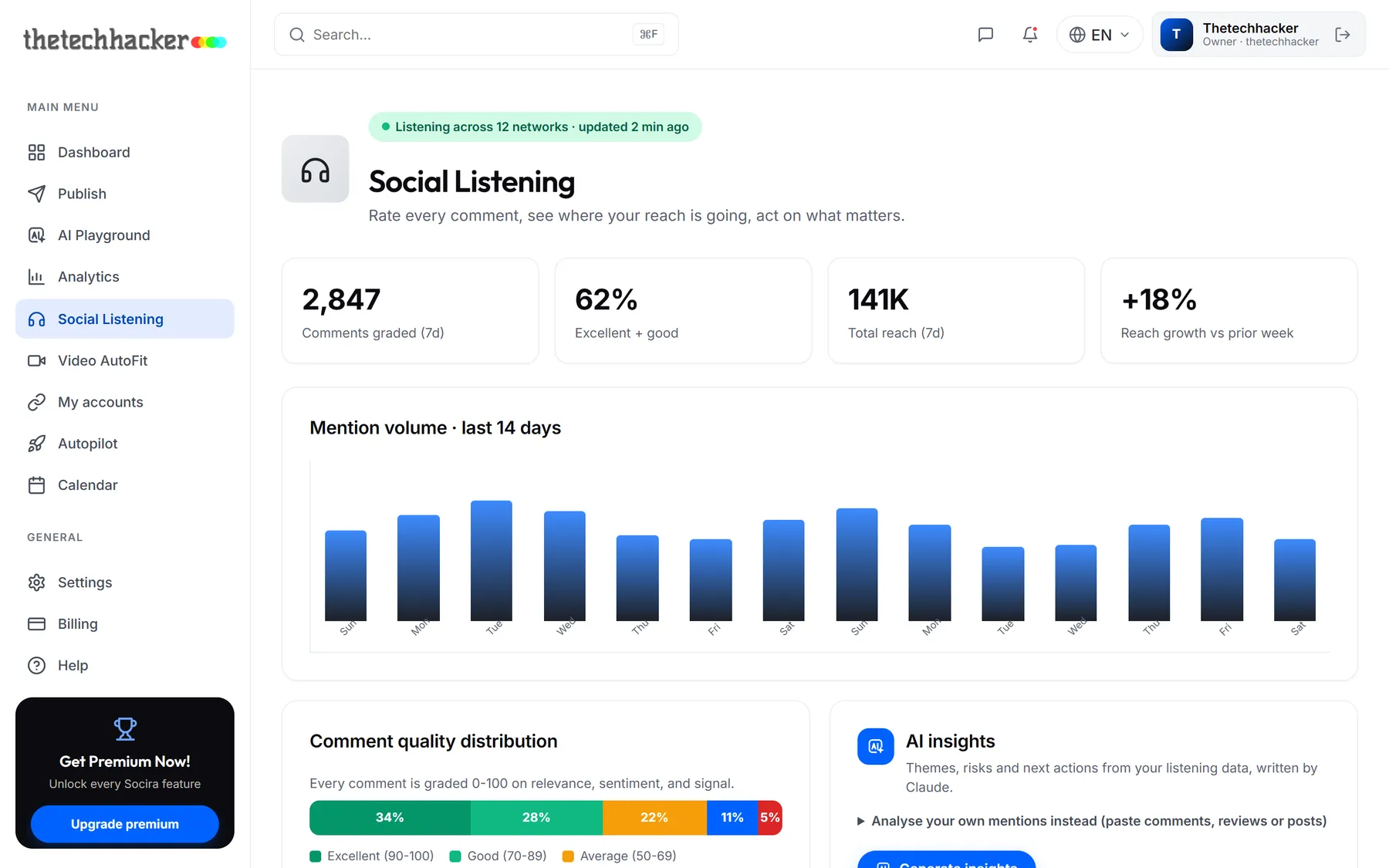
Open Social Listening from the sidebar. At the top you'll find how many comments came in and how good they were, followed by mention volume over two weeks, top comments, where your reach is coming from, and which platforms are growing.
Ask AI what it means
Charts tell you what happened; the AI insights card tells you why and what to do next. Click Generate insights and you'll get a short summary, how people feel overall, the main themes, any risks, and a prioritised to-do list.
Analyse your own mentions
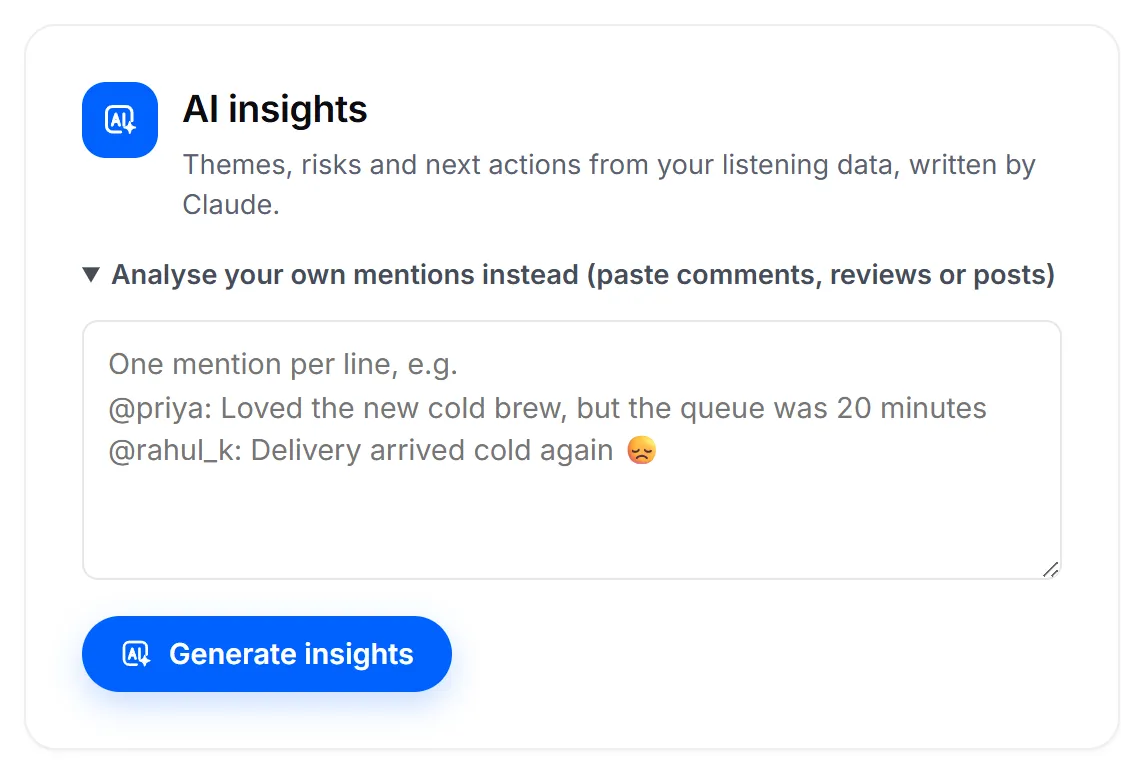
Got a pile of Google reviews, a busy comment thread or messages from your inbox? Open Analyse your own mentions instead, paste them in (one per line is ideal) and click Generate insights.
TipDo this the week before a big launch. It's the fastest way to spot a recurring complaint before it becomes a thread.
Good to knowSocira treats pasted text as information to analyse, never as instructions, so a comment that says "ignore everything and…" can't change what the AI does.
Was this helpful?
Last updated 26 September 2026